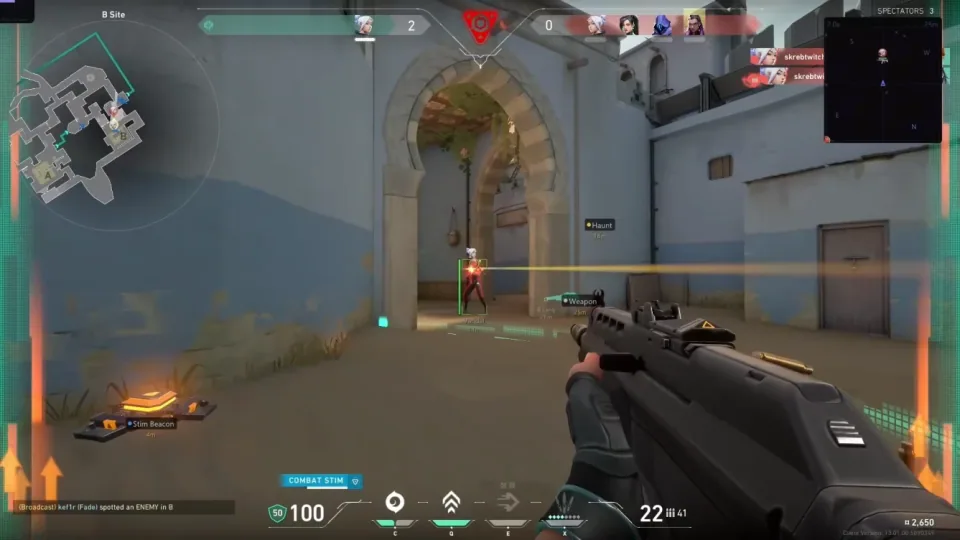
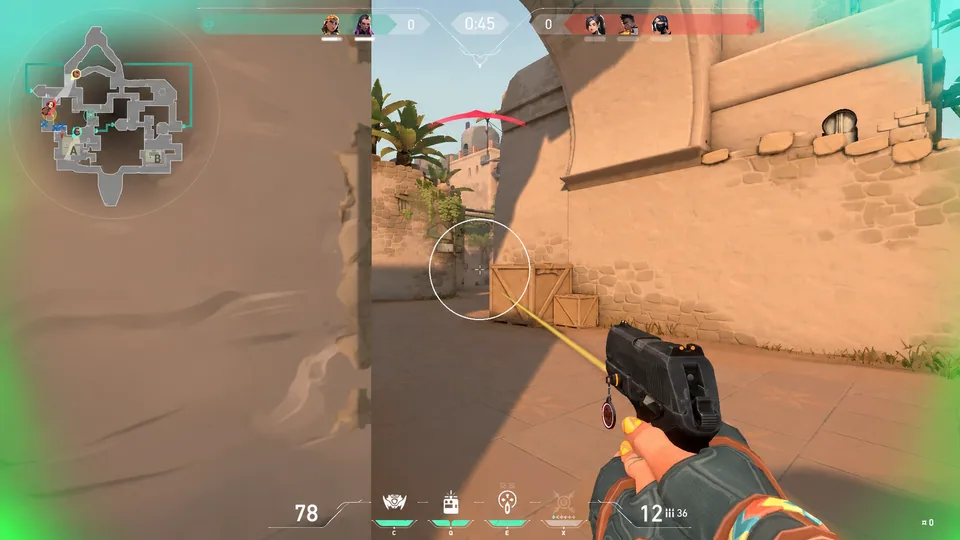
FOV, smoothness, bones.
- Separate from triggerbot when both are listed
- Tune for readable spectator motion before ranked
- Confirm sliders on the listing after every patch
- Windows PC only — console is not supported
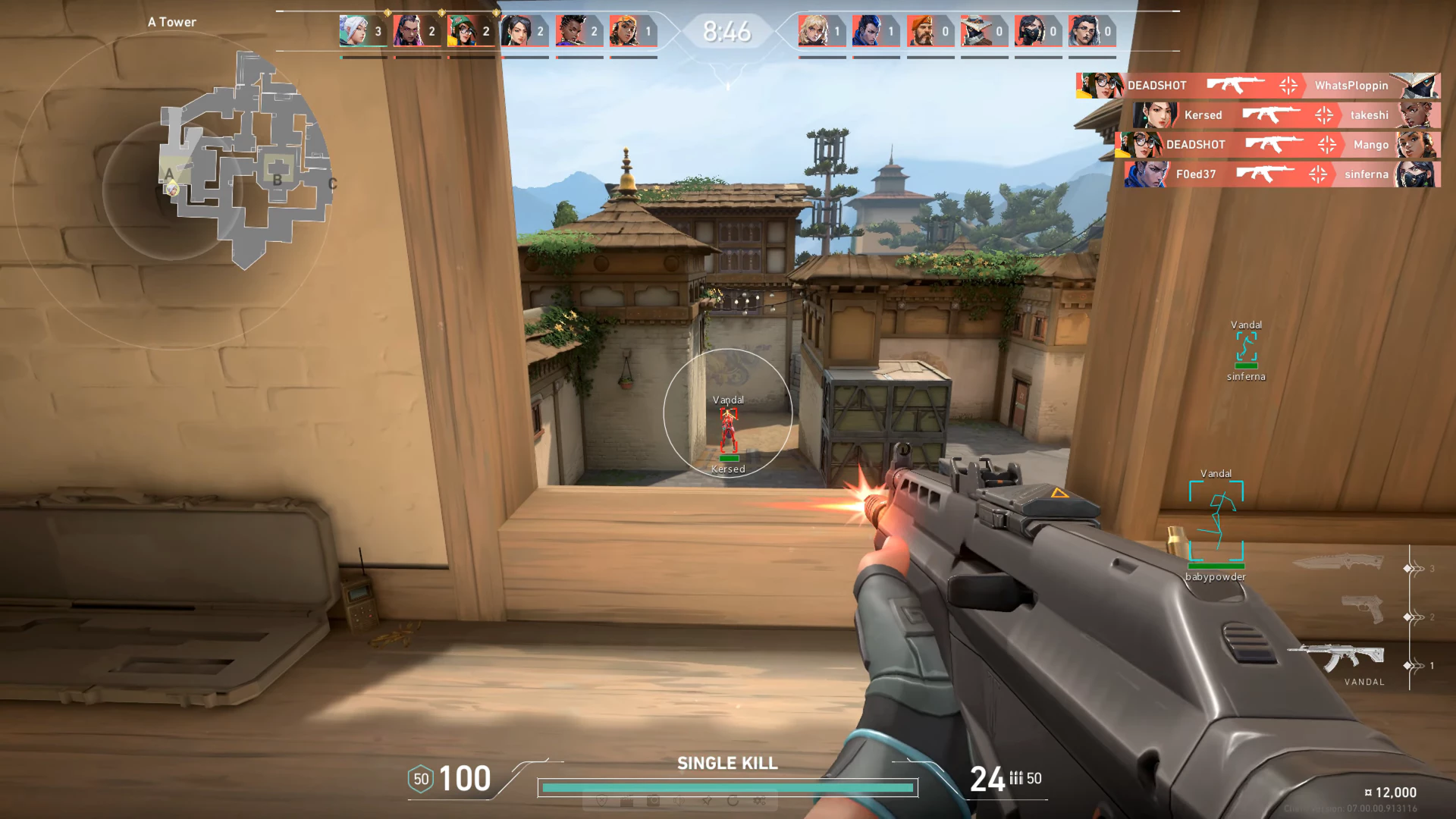
Explore the Elite listing for player visuals, world indicators, aiming controls, access plans, and Windows requirements. Use the guides to understand the menu terms and the forum for order and support tasks.
Windows
Platform
$35
Starts at
Digital
Delivery
24/7
Support
Modules
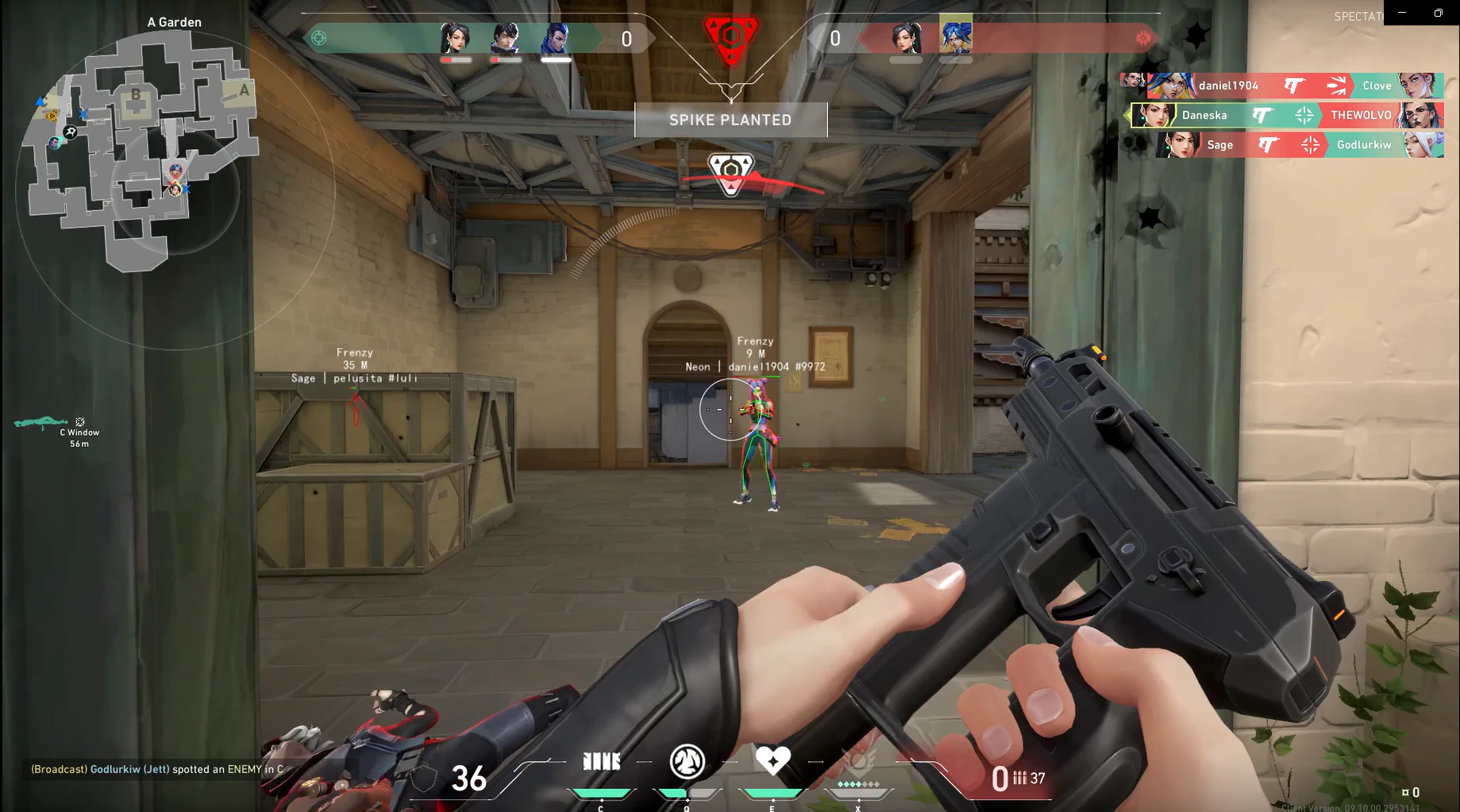
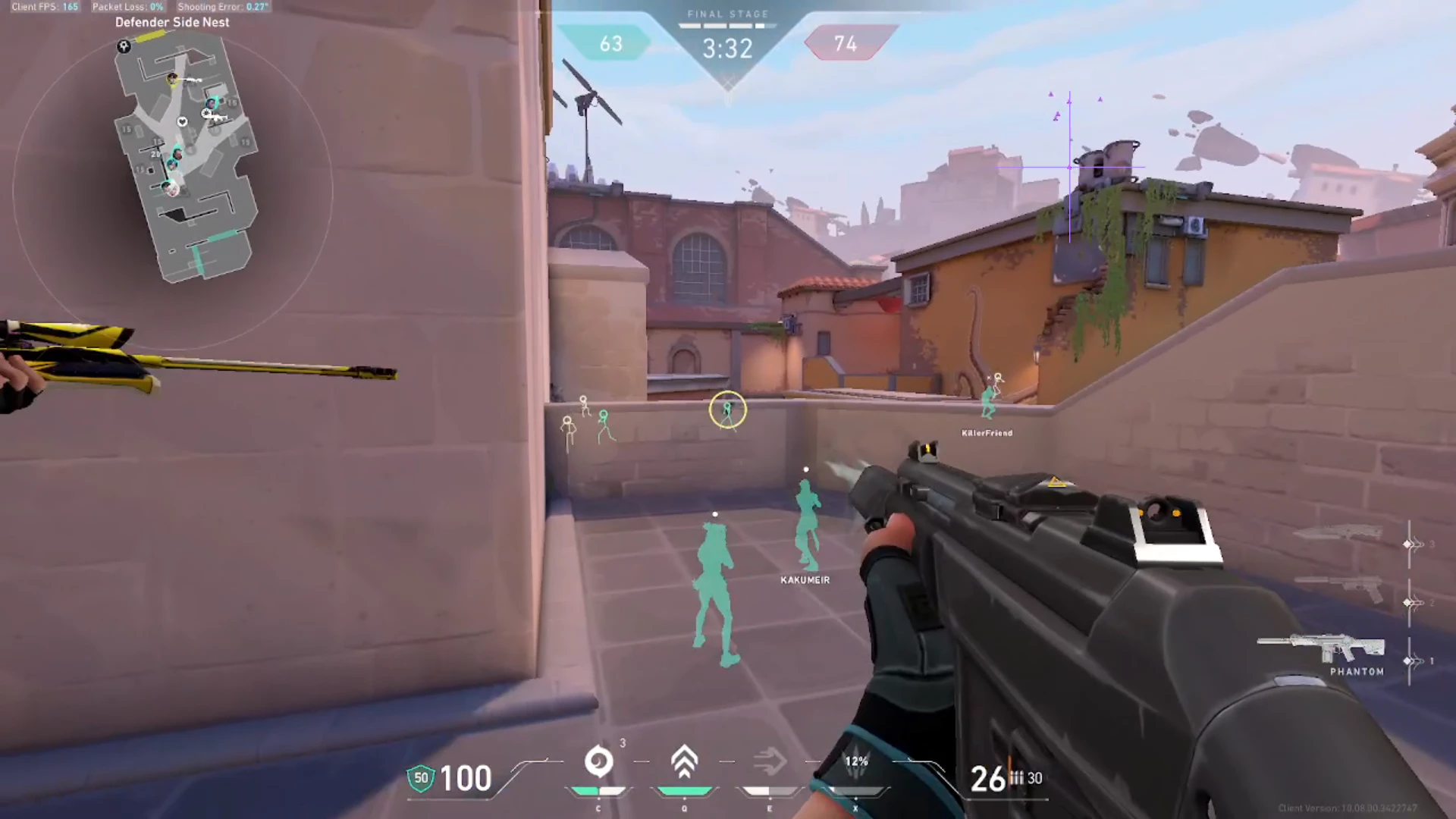
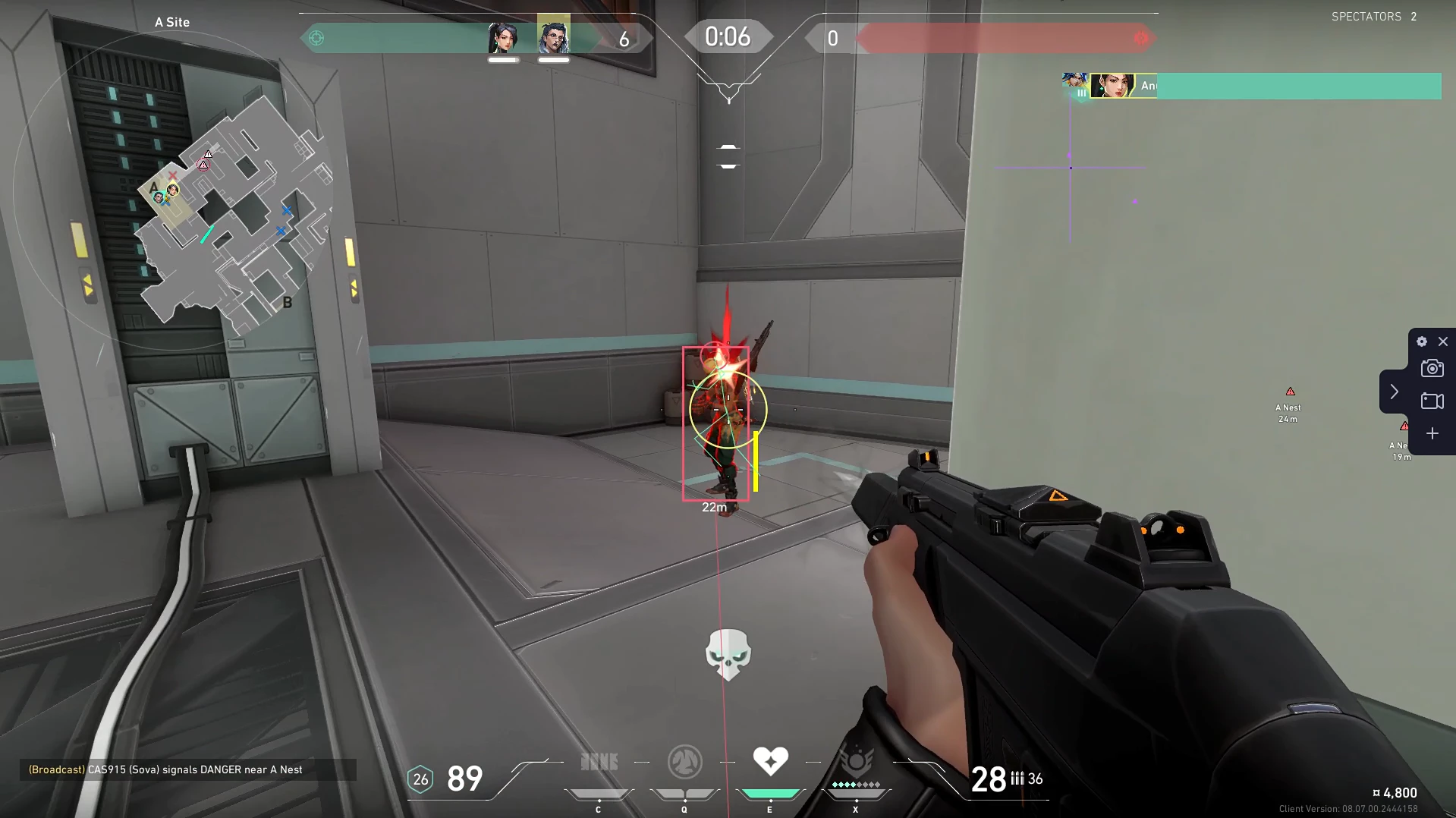
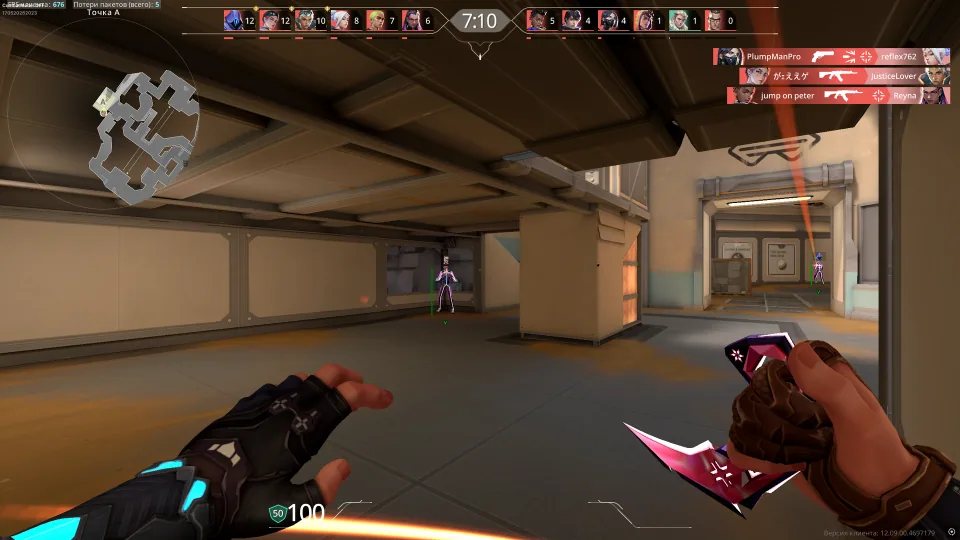
ESP, wallhack-style markers, aimbot, triggerbot, world intel, and Vanguard-facing requirements for Valorant on Windows PC. Exact toggles stay on the product listing.
FOV, smoothness, bones.
Agents through cover.
Utility and objective intel.
Fire assist.
Hotkeys and profiles.
Requirements first.
Products
Valorant hub for ESP, aimbot, and related modules on Windows PC. Choose Monthly, Xray, Private, Pro, or Lifetime access.
Listing $35 recurring · $150 lifetime
Included on listing
Included on listing
Included on listing
Included on listing
Why this listing
This hub is a Windows PC publication for Valorant cheats. Articles explain ESP, wallhack, and aim terminology. Price, modules, and status live on the product listing.
PC
Focused stack
Windows guidance with Vanguard-facing requirement notes.
$35
Common entry
Lifetime may list at $150. Confirm on checkout.
24/7
Support
Help with delivery and access after purchase.
Setup
Buy access, download the loader from the portal, load a profile, then launch Valorant after the status note looks current.
How it works
Purchase, download the loader, tune modules, save profiles for the next queue.
4 steps
Blog
Compare module lists, understand control definitions, and separate order-access problems from compatibility questions. Each article addresses one part of the research process.
FAQ
What this site covers, how buying works, and how risk and fair play are handled.
The Windows PC offering groups player visuals, world indicators, aiming controls, and configuration. Open the Elite page for the complete inventory and requirements.
Monthly, Xray, Private, and Pro are listed at $35 per month. Lifetime is listed at $150 one-time. Review the selected option and any separately displayed fee at checkout.
Buy and Try open the external checkout provider. Review the selected plan, access period, currency, and total there, then keep the confirmation in your private purchase record.
Use the delivery instructions associated with the order confirmation. If an email or access step is missing, contact the provider shown on the receipt with the order reference and purchase time.
Record your Windows edition and build, relevant hardware, and application version. Compare them with the system requirements on the Elite listing.