
VALORANT
Player ESP, aimbot, world ESP for abilities and spike, misc hotkeys and configs. Recurring access commonly lists at $35; lifetime at $150. Requirements include HVCI, Core Isolation, TPM, Secure Boot, Cloud DMA for full functionality.
Read the Elite editorial assessment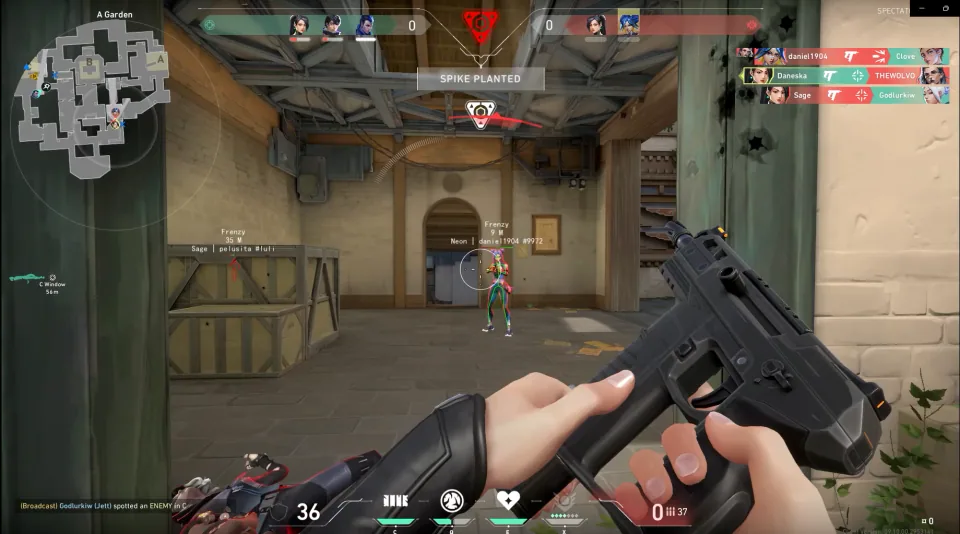
At a glance
Key capabilities
What VALORANT focuses on before you open the full module list.
Overview
Valorant cheats — ESP, aimbot, and wallhack-style overlays
Feature scope, access terms, and requirements to understand before choosing a plan.
How the Elite feature groups fit together
What a plan name establishes
Read the controls as separate capabilities
Resolve compatibility before choosing access
Understand the scope of a release note
Keep delivery questions separate from compatibility questions
Modules
What's included
Every module and overlay shipped with VALORANT—toggle and tune in the Valorant client portal.
- Enable aimbot
- Smoothness
- Speed
- FOV
- Stickiness
- Aimbot filter
- Aimbot bone
- Visible check
- Draw FOV
- Draw target line
- Health bar
- Shield bar
- Agent
- Rank
- Max distance
- Box
- Snapline
- View direction
- Skeleton
- Head circle
- Equip name
- Level
- Distance
- Ability (world)
- Trap (world)
- Spike (defuse progress, time)
- Show icon
- Show distance
- Max. distance
- Customization per agent
- Combat mode hotkey (hides ability and trap ESP)
- Font size
- Create / save / load / unload config
Experience
In the client · After you buy
Review the in-game layers above for VALORANT—detailed below is how each module behaves alongside direct post-checkout setup.
In-game layers
- Layer APlayer visualsOriginal full-resolution image from the supplied Valorant collection.
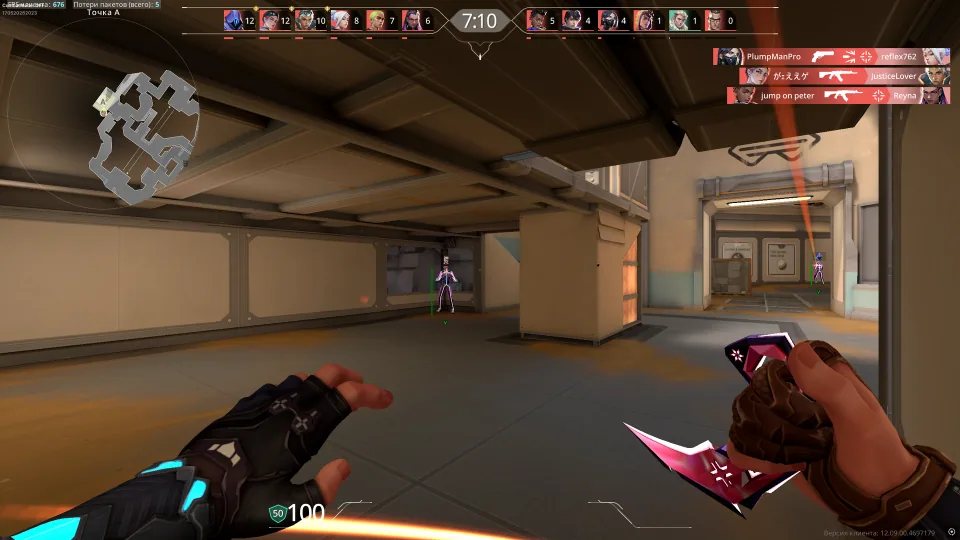
- Layer BWorld visualsOriginal full-resolution image from the supplied Valorant collection.
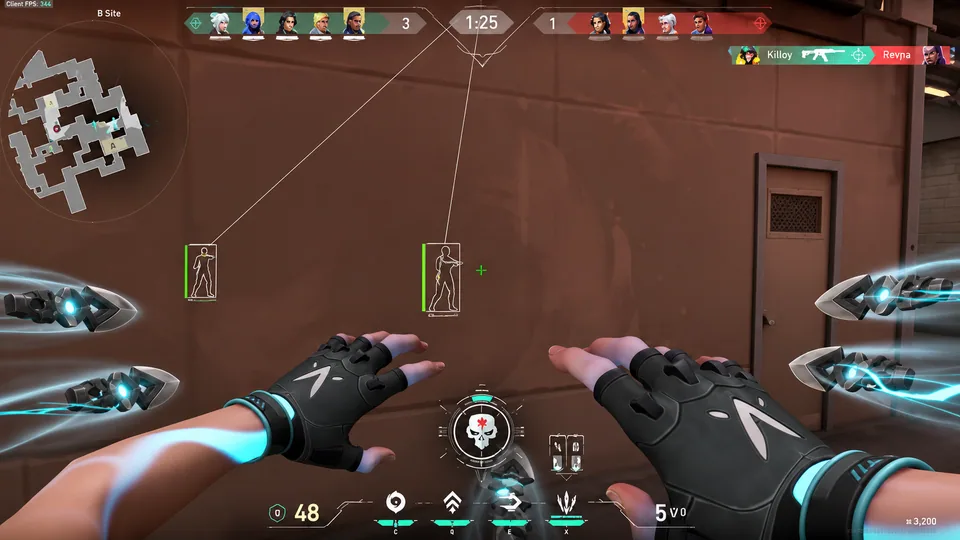
- Layer CAimbot optionsOriginal full-resolution image from the supplied Valorant collection.
- Layer DMiscOriginal full-resolution image from the supplied Valorant collection.
Guides
Learn more about VALORANT
Curated articles for setup, tuning, and patch-day checks that match this product.
Compare player visuals, world indicators, aiming controls, and configuration options without counting every menu toggle as a separate module.
Read health bars, player labels, ability markers, and Spike information as distinct display categories with their own scope.
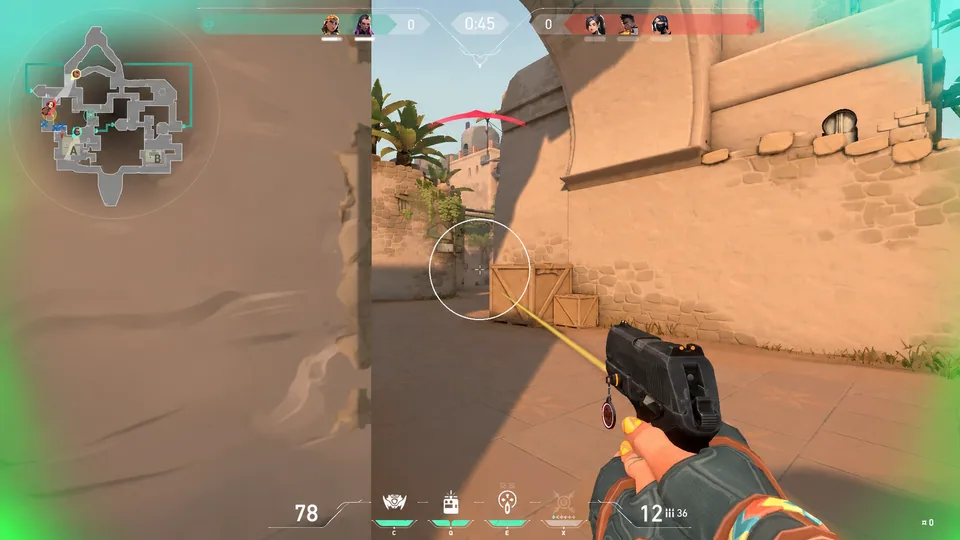
Separate order delivery, Windows compatibility, and menu questions so a Valorant setup request reaches the right support channel.
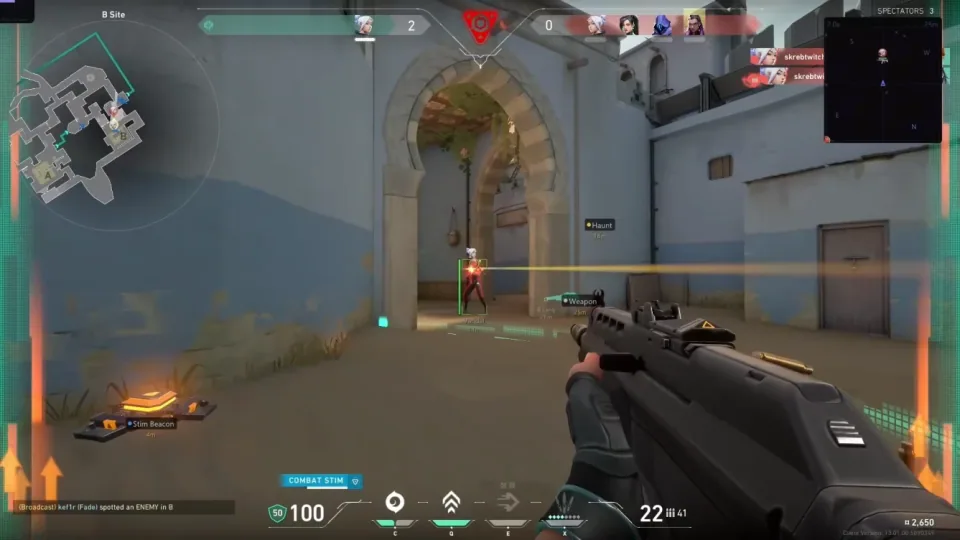
Understand Windows builds, TPM, Secure Boot, HVCI, and how to organize PC requirements before setup.
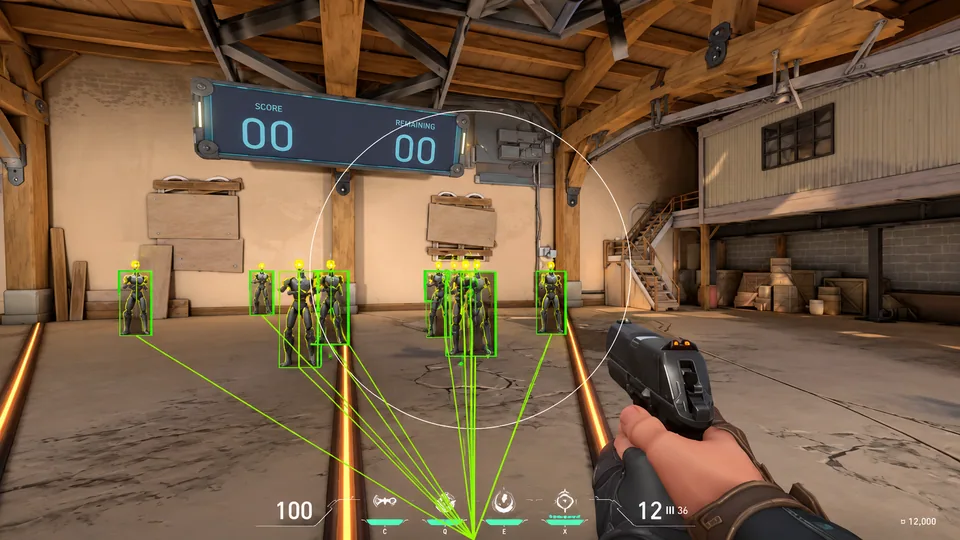
Understand toggles, sliders, target filters, key bindings, and saved configurations before interpreting a menu screenshot.
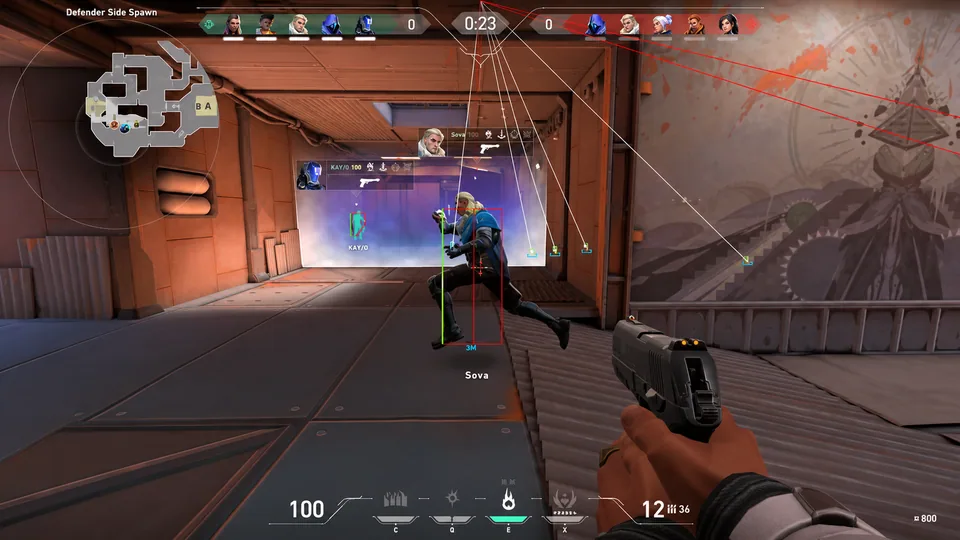
Why wallhack and ESP can overlap in Valorant descriptions, and how to compare the actual display rather than the headline.
FAQ
VALORANT FAQ
Buying and setup notes specific to VALORANT on Valorant for Windows PC—separate from the site-wide FAQ.
What is included in the Valorant cheat listing?
The listing groups player visuals (health, shields, agents, boxes), aimbot controls (FOV, smoothness, visible checks), world visuals (abilities, traps, spike timers), and misc options such as combat hotkey and config save or load. Confirm exact toggles on the external page before you pay.
Does full functionality require Cloud DMA?
The external listing states that Cloud DMA is required for full functionality on supported builds, alongside Windows 10/11, HVCI, Core Isolation, TPM, and Secure Boot. Read the requirements block before checkout.
How should I read status after a patch?
Treat the live product banner as source of truth after Valorant or Vanguard updates. If the note says updating or offline, wait—do not force ranked while the build is marked unavailable.